
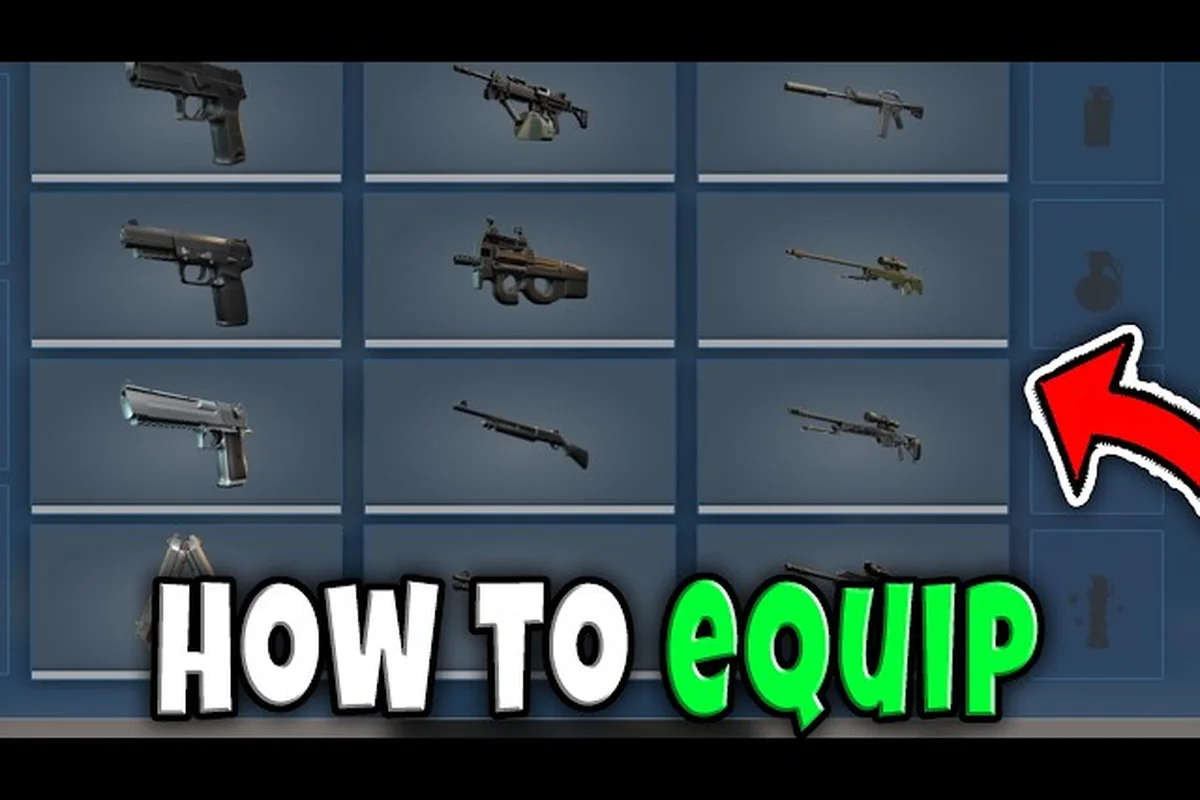
In a 5v5 round where every half-second decides a gunfight, your BloxStrike weapon rotation is the difference between clutching the bomb site and watching the kill feed. Fast, intentional gun swaps let you answer a long-range angle with a rifle, switch to a pistol for tight corners, and pull out utility without fumbling through the wheel. This loadout guide breaks down the exact slot order, keybinds, and scroll-wheel habits that competitive players use to shave milliseconds off every fight.
BloxStrike is a CS-style tactical shooter on Roblox where attackers plant and defenders defuse, and the official BloxStrike Roblox page describes the round economy that lets you buy rifles, pistols, utility, and armor each round. Knowing which weapon goes in which slot, and binding it for instant access, is what makes your buy phase translate into round wins. Below is the full breakdown of how to build, bind, and practice a smooth weapon rotation.
Understanding the BloxStrike Loadout System
Before you can rotate weapons effectively, you need to understand how the game organizes them. BloxStrike borrows the classic loadout-slot model: each player gets a fixed number of loadout slots that determine which weapons can be drawn instantly and in what order. The slot you assign to a weapon directly controls how fast you can pull it out when the crosshair is already on an enemy.
Slot Structure and Default Order
By default, your primary weapon occupies the main slot, your sidearm fills the secondary slot, and any utility (grenades, knife, defuse kit) takes the tertiary slot. The game then maps those slots to keys, mouse buttons, and the scroll wheel. Most players keep the default bindings, but competitive players reorder the slots so that their most-used weapons appear first on the scroll wheel.
| Slot | Default Content | Default Keybind | Purpose |
|---|---|---|---|
| Slot 1 | Primary Rifle / SMG | 1 | Main engagement weapon |
| Slot 2 | Sidearm (Pistol / Deagle) | 2 | Eco rounds, close backup |
| Slot 3 | Knife / Melee | 3 | Fast movement, last-resort |
| Slot 4 | Utility (Grenades) | 4 | Flash, smoke, molotov |
| Slot 5 | Equipment (Bomb / Defuse Kit) | 5 | Objective play |
Why Slot Order Matters in a Firefight
Slot order is not cosmetic; it determines which weapon the scroll wheel lands on after one or two flicks. If your rifle is slot 1 and your pistol is slot 2, a single forward scroll brings the pistol up. If you rearrange so that the rifle is in the middle of the wheel, you waste half a second spinning through knives and utility mid-fight. Players who optimize slot order report noticeably cleaner retakes because they never have to look down at the wheel.
Optimal Loadout Slot Order for Competitive Play
The standard competitive loadout in BloxStrike follows a predictable rhythm: rifle first, pistol second, knife third, utility fourth, equipment last. The exact arrangement depends on your role and economy, but the principle stays the same — your highest-frequency weapon is the easiest to reach.
Attacker Slot Layout
Attackers typically lead with a rifle or SMG in slot 1, keep a pistol as backup in slot 2, and reserve the knife plus utility (flash and smoke) for mid-round executes or post-plant trades. Because the bloxstrike weapon rotation cycles through these slots by equip order rather than a quick-swap wheel, muscle memory on the 1-2-3-4 binding is what separates a clean retake from a stuck reload animation.
| Slot | Attacker Loadout | Frequency of Use |
|---|---|---|
| 1 | Rifle (AK / M4 variant) | Very High |
| 2 | Sidearm (Pistol / Deagle) | High |
| 3 | Knife | Medium (rotation only) |
| 4 | Flash + Smoke | Round-defining |
| 5 | Bomb (if carrier) | Once per round |
Defender Slot Layout
Defenders lean on utility more than attackers, so the slot order shifts utility one position higher. Many defenders also prefer an SMG over a rifle on small maps like Seaside because the close-corner engagements favor the faster equip speed and tighter hipfire spread, letting you re-position or trade a kill before the attacker's rifle can scope in. This weapon trade flexibility is also why the knife sits in slot 4 on a defensive BloxStrike loadout guide rotation rather than slot 1, so the sidearm or utility can be deployed instantly when a push is called.
| Slot | Defender Loadout | Frequency of Use |
|---|---|---|
| 1 | Rifle / SMG | Very High |
| 2 | Sidearm (Pistol / Deagle) | High |
| 3 | Utility (Flash / Molotov) | High |
| 4 | Knife | Low (rotation) |
| 5 | Defuse Kit (if CT-side equivalent) | Late round |
A clean BloxStrike loadout guide like the one above lets you build muscle memory quickly. You can dive deeper into the differences between rifle classes in the BloxStrike weapon stats breakdown, which ranks the top guns by damage per second and recoil pattern.
Keybind Setup for Fast Weapon Switching
Bind choice is where most players leave free milliseconds on the table. BloxStrike lets you remap each loadout slot to any key, and competitive players almost always move away from the numeric row (1-5) toward keys your fingers already rest on during a fight.
Recommended Quick-Switch Binds
| Action | Default Bind | Recommended Bind | Reason |
|---|---|---|---|
| Primary (Rifle) | 1 | Mouse Button 4 (forward) | Thumb is already on the mouse |
| Secondary (Pistol) | 2 | Mouse Button 5 (back) | Mirror of primary, no reach |
| Knife / Melee | 3 | Q | Pinky reach, fast pull |
| Utility | 4 | G / 4 | Depends on keycap layout |
| Equipment | 5 | E | Shares bind with interact |
| Last Weapon Used | Q (default) | Q or Mouse Wheel Up | Quick double-tap |
Scroll-Wheel Settings to Tune
The scroll wheel is the heart of any BloxStrike switch weapon workflow. The default behavior scrolls through every slot, but most players want to limit it to the two combat slots so that a single wheel click always goes from rifle to pistol or pistol to rifle.
| Scroll Setting | Behavior | Best For |
|---|---|---|
| Wheel Up: Previous Weapon | Cycles backward | Rifle → Pistol flow |
| Wheel Down: Next Weapon | Cycles forward | Pistol → Rifle flow |
| Wheel Only Combat Slots | Skips utility and knife | Fastest swaps |
| Wheel Includes All Slots | Default | Inventory management |
Set the wheel to combat-only if your mouse has side buttons, because the side buttons cover utility and knife anyway. This way the wheel becomes a dedicated rifle-to-pistol toggle, which is the most common mid-fight swap.
Equipping Weapons Mid-Round and Buy Phase
The buy phase is where you decide what fills each slot for the next round. Smart buys match the BloxStrike loadout slots to your team's economy plan, and then the round itself becomes a test of whether you can equip the right weapon for each situation.
Buy Phase Priority Order
The bloxstrike weapon rotation discipline starts the moment buy phase opens, because the round-cash system hands out bonuses for plant/defuse conversions and win streaks while stripping credits on consecutive losses. A clean first-round pistol buy spends roughly 800 credits on a sidearm plus light armor, leaving the rifle slot empty so a teammate can bloxstrike weapon trade a rifle drop at spawn — this keeps your bloxstrike loadout slots flexible and lets the team anchor the bloxstrike weapon equip chain without burning utility.
-
Full buy rounds: Armor + Rifle + Utility + Sidearm (if budget allows)
-
Force buy rounds: Armor + SMG or Shotgun + Flash (skip rifle to keep utility)
-
Eco rounds: Armor + Sidearm only, keep rifle slot empty for a teammate drop
-
Pistol rounds: Sidearm + Armor + 1 flash, no rifle buy
Mid-Round Weapon Equip Tactics
Mid-round swaps happen when a player is low on ammo, runs out of utility, or needs a different range profile. The classic tactical swap is rifle-to-pistol when you peek a close angle and do not want to spend the next half-second chambering a new magazine. A reverse swap — pistol to rifle after a clutch — is just as common.
Players who BloxStrike weapon equip smoothly do three things consistently, and each one ties back to minimizing the ~0.4–0.6 second swap animation window. First, they slot weapons in the BloxStrike loadout slots based on engagement range rather than rarity, putting the SMG adjacent to the AWP so a close-range peeker never has to scroll. Second, they pre-stage the next weapon's input before the reload finishes, since pressing swap mid-empty-mag animation cancels the chambering delay. Third, they treat the BloxStrike weapon rotation loop as muscle memory — drilling the same rifle→pistol→knife chain in warmup until it fires without conscious thought, which is what separates a clean 0.3s flicker swap from a sloppy 0.9s fumble that gets you traded.
-
They pre-aim the next weapon's slot before the current magazine empties.
-
They use the scroll wheel only as a backup, not as their primary swap.
-
They rebind the last-weapon-used key to a thumb button so the swap is one click away.
A solid reference for which weapons are worth the slot space is the BloxStrike weapon values guide, which tracks the rarity, pattern, and wear tiers that determine whether a skin is worth equipping over a cheaper alternative.
Common Rotation Mistakes and How to Fix Them
Even with the right bloxstrike loadout slots in the correct order, players still slip into habits that quietly cost rounds during bloxstrike weapon rotation — most notably holding the bloxstrike switch weapon keybind for an extra 0.2 seconds, double-tapping the bloxstrike weapon equip button, or mentally rehearsing the loadout guide mid-fight instead of trusting muscle memory. The mistakes below show up in nearly every ranked session, and each one silently costs at least one round per match because the enemy team capitalizes on the 1.2-to-1.8-second vulnerability window your bloxstrike weapon rotation leaves open. Fixing these requires auditing your own demos, not just memorizing an ideal bloxstrike loadout order.
Mistake 1: Scrolling Through Every Slot
The single most common error is leaving the scroll wheel bound to cycle through all five slots. In a firefight, that means a forward scroll might land on utility instead of your pistol. Fix: bind the wheel to combat-only slots, and put utility on a side button.
Mistake 2: Keeping Utility Before Pistol
Utility is essential, but it should never be one scroll-click away from your rifle. If the wheel puts utility between your rifle and pistol, you will eventually throw a flashbang by accident during a close peek. Move utility to slot 3 or 4, never between combat slots.
Mistake 3: Forgetting to Equip a Knife During Rotation
Running with your rifle out while rotating across the map is slower than running with a knife out. Players who leave the rifle equipped lose 2-3 seconds per rotation. Bind the knife to a pinky-reach key (Q is the standard) and tap it whenever you start moving more than ten meters without an engagement.
Mistake 4: Not Practicing Eco-Round Rotations
Eco rounds demand a different rotation because you are running pistols, shotguns, or SMGs instead of rifles. Players who never practice the eco rotation freeze up when the team calls a save. Spend one out of every five deathmatch rounds running pistol-only to build the muscle memory.
Advanced Rotation Patterns for Specific Maps
Map-specific rotations matter because some maps reward fast utility pulls and others reward fast pistol swaps. The examples below are based on community-reported patterns from the r/bloxstrike subreddit and the official developer updates shared on the BloxStrike X account, which announces new maps and case rotations.
Seaside and Dust-Style Maps
Tight corners and short rotates make pistol-to-rifle swaps less valuable than rifle-to-shotgun swaps. Players running a shotgun secondary should bind the shotgun to mouse button 4 so that a single thumb click flips the engagement range in under a second.
Oasis and Open-Map Rotations
Open maps favor long-range fights, so the rifle is your default and the pistol is your fallback. The best rotation here is rifle-pistol-rifle, and most players keep the default numeric binds because the slower pace rewards deliberate swaps over scroll-wheel flicks.
Reactor and Bomb-Site Anchor Spots
Anchor positions on bomb sites often require a utility pull followed by a rifle peek. Bind utility to mouse button 5 so that after throwing a molotov you can immediately snap back to your rifle with mouse button 4. This two-button rhythm is faster than the default wheel cycle.
Weapon Trade and Inventory Considerations
The trade system in BloxStrike lets players swap weapon skins and rare patterns with each other, but it also influences which weapons you actually keep equipped. A rare skin that you intend to trade should not be sitting in your active rotation slot; it should be in your inventory so the skin's float and pattern stay untouched by round wear.
When to Lock a Skin Out of Rotation
| Situation | Slot Action | Trade Impact |
|---|---|---|
| Skin has high float (worn) | Keep in rotation | Minimal trade value loss |
| Skin is rare pattern (low float) | Move to inventory | Preserves trade value |
| Skin is a duplicate | Use in rotation | Spend the cheaper copy |
| Skin is a trade-up material | Keep in inventory | Maintains craft value |
Players who actively BloxStrike weapon trade on the community market often keep two copies of popular skins: one in their active loadout, and one in the inventory for trade offers. This dual setup means the rotation slots you configure today may shift as trade opportunities appear.
Frequently Asked Questions
What is the best BloxStrike weapon rotation for new players?
New players should start with the default rifle-pistol-knife-utility-equipment order and bind the scroll wheel to combat slots only. Once that feels natural, move the rifle to mouse button 4 and the pistol to mouse button 5 for instant thumb swaps.
How many loadout slots does BloxStrike have?
BloxStrike gives players five loadout slots by default: primary, secondary, melee, utility, and equipment. Some limited-time modes add a sixth slot for a special weapon, but the standard 5v5 queue keeps the five-slot layout, and any unequipped slot auto-fills with the default knife so you never spawn unarmed. Slots 1-3 are reserved for weapons, slot 4 is fixed to utility (grenades, flashbangs), and slot 5 handles throwable equipment, which means binding melee to scroll-up and utility to scroll-down is the most efficient BloxStrike weapon rotation without wasting thumb movement on the knife.
Can I bind weapons to mouse side buttons in BloxStrike?
Yes, the settings menu lets you remap every slot to any key, including mouse button 4 and mouse button 5. Most competitive players bind their primary to mouse button 4 and their sidearm to mouse button 5 for the fastest possible swap.
Does weapon rotation affect BloxStrike trade value?
The weapons you keep in active rotation get more wear and use, which can lower a rare skin's float over time. If you plan to trade a skin, store it in your inventory rather than equipping it in a rotation slot every round.
Should I use the scroll wheel or keybinds for switching weapons in BloxStrike?
Use both: keybinds for the deliberate rifle-pistol swap during a fight, and the scroll wheel for quick utility pulls or as a backup if your thumb slips off a side button. Limiting the wheel to combat slots makes it a fast secondary swap rather than a slow cycle through every item.