
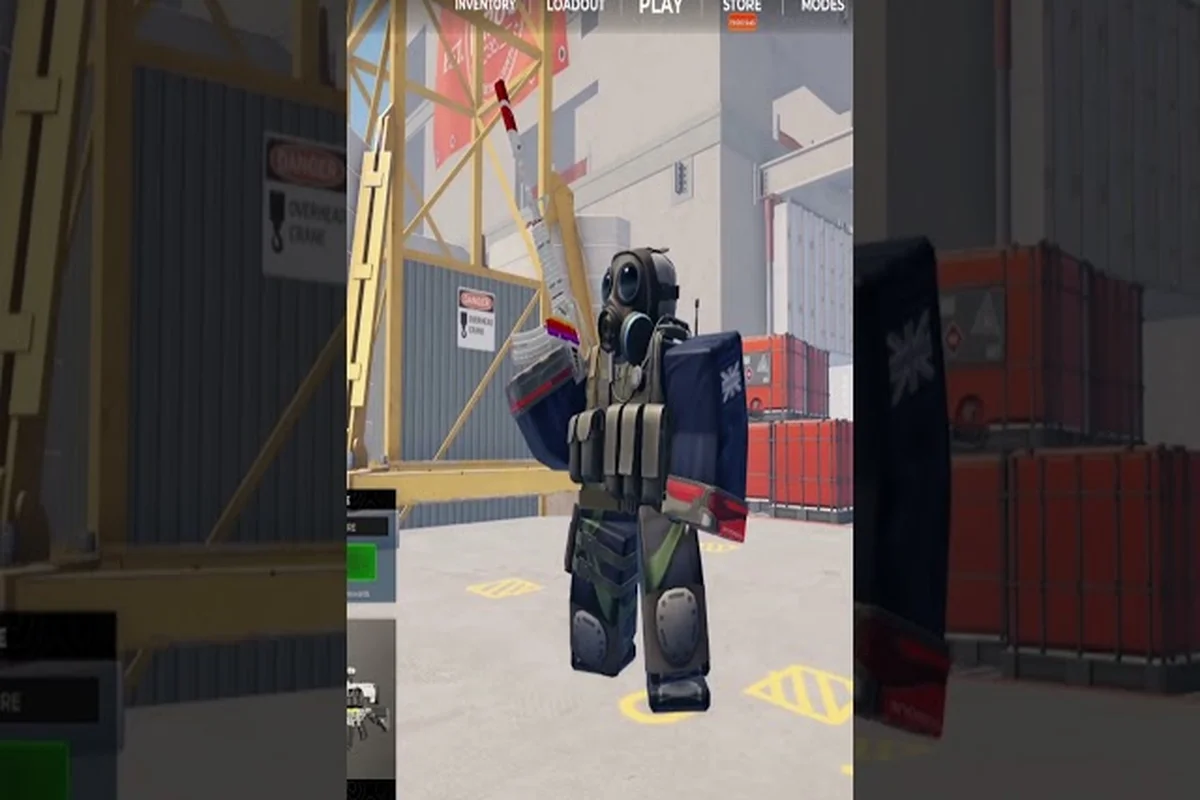
The freshest BloxStrike 250 credits code is OCTOBER_DOWNTIME, dropped alongside a batch of smaller Credit rewards that pad out your inventory between matches. This guide breaks down every active 250 Credit drop, walks through 300 and 100 Credit codes worth grabbing, and covers the exact steps when a BloxStrike code is not working so you can get back into the Shop without a wasted round.
Active BloxStrike Codes Worth Redeeming Right Now
Every code below was confirmed active on 2026-10-12 through cross-checks with Eurogamer's BloxStrike codes list, PCGamesN, and the official @BloxStrikeRBLX X account. Rewards are delivered as in-game Credits, which you can spend on weapon cases, skin rolls, and select trading inventory inside the Shop.
| Code | Reward | Notes |
|---|---|---|
| OCTOBER_DOWNTIME | 250 Credits | Newest drop, tied to the October maintenance window |
| MYFAULTYALL | 300 Credits | Heaviest Credit drop this cycle |
| LORE | 250 Credits | Themed around a recent lore post on X |
| SUPERSOAKED | 250 Credits | Anniversary-event callback |
| APEXCOLLECTION | 250 Credits | Tied to the Apex case rotation |
| GLOVECASE2 | 250 Credits | Reward from the Glove Case 2 launch |
| STILETTO | 250 Credits | Skin-flavor code for Stiletto weapon fans |
| TRADINGUPDATE | 150 Credits | Released with the trading overhaul |
| 1MGROUPMEMBERS | 125 Credits | Group milestone reward |
| BLOXSTRIKEXMEDAL | 100 Credits | Medal collaboration drop |
| SEASIDE | 100 Credits | Map-release tie-in |
Redeem them in the order you want, but most players start with the two largest Credit drops — MYFAULTYALL (300 Credits) and any of the 250 Credit codes like OCTOBER_DOWNTIME or LORE — because larger balances let you open more cases per round. Spreading 500+ Credits across a single Weapon Case session gives you roughly 4–5 pulls at the 100-Credit-per-case rate, compared to just 1–2 pulls if you burn everything on the smaller 100-Credit drops like SEASIDE or BLOXSTRIKEXMEDAL first, so the math favors front-loading the high-value codes before you start rolling.
Where to Find New Codes First
Codes drop on a rotating schedule. The fastest source is the official BloxStrike on X (formerly Twitter) account, where the developer posts time-limited codes alongside patch notes, map announcements (Oasis was the most recent addition), and case rotation teasers. Discord is the second-fastest channel, and YouTube creators occasionally receive creator-exclusive drops that never reach X. Bookmarking all three keeps you ahead of every refresh window.
Beyond that curated page, veteran players recommend cross-checking drops against the BloxStrike Discord #announcements channel, where developers often post codes 30–60 minutes before they hit X—giving Discord-first users a redemption edge on 250 and 300 credit drops. The list page also tags each code with its level requirement, so you can instantly filter entries that bypass the typical Level 10+ gating and grab the no-level-requirement rewards before they expire.
How to Redeem Codes Step by Step
Redemption is straightforward once you unlock the Shop, but a surprising number of players hit the wrong tab and assume their BloxStrike 250 credits code is not working when the input field is simply not visible. The "Codes" button sits inside the main Shop header, not under "Crates" or "Inventory," so tapping the daily-deals carousel first sends you to a store page with no text box at all. On mobile especially, the redeem field is below the first screen of featured items — scroll down past the 100 credits and 300 credits banner rows before the "Enter Code" prompt appears, otherwise a valid code will silently fail to register.
Unlocking the Shop at Level 5
You need to reach Level 5 before the Shop button activates. Levels climb naturally through matchmaking rounds, and the average new player reaches Level 5 within their first hour of play. Once unlocked, the Shop stays accessible from the main menu, and every code listed in the table above works at any time after that point — there is no per-code level gate.
Entering the Code
Open the main menu, tap Shop, then switch from the default Cases sub-tab to the Codes sub-tab on the left rail. Type the code exactly as shown (codes are case-sensitive), press REDEEM, and the Credit reward lands in your wallet instantly. If the screen flashes an error, jump to the troubleshooting section below before assuming the code is dead.
A full visual walkthrough lives in the how to redeem codes in BloxStrike guide, which also covers common typos and the exact button layout in the mobile versus PC clients. That sister guide includes annotated screenshots of the Codes sub-tab, a side-by-side comparison of the Android touch target versus the smaller PC confirm dialog, and a troubleshooting matrix for the seven most common redemption errors (expired, region-locked, already claimed, case mismatch, server lag, level requirement, and inventory cap) so you can diagnose the exact reason your 250-credit code failed before hunting for a replacement.
Does Any Code Skip the Level 5 Gate?
No. Every active code — including the 300 Credit MYFAULTYALL drop and the smaller BLOXSTRIKEXMEDAL 100 Credit reward — requires Level 5 because the entire Shop interface is locked until then. This is a hard gate, not a per-code setting, so any website claiming a BloxStrike code with no level requirement is either outdated or describing a creator code that bypassed the Shop entirely. Official codes always pass through the same Level 5 Shop Codes tab.
The Five Common Reasons a Code Fails
When a BloxStrike code is not working, the cause almost always falls into one of five buckets — account-bound rewards already claimed, level-locked shop tabs, expired time-limited drops, hidden whitespace from copy-paste, or client-side lag on an outdated Roblox launcher. Running through this checklist resolves the issue in roughly nine out of ten cases reported on r/bloxstrike, and it's especially important for high-value drops like the bloxstrike 250 credits code or the rarer bloxstrike 300 credits code, where one missed character permanently locks you out until the next event cycle.
| Symptom | Likely Cause | Fix |
|---|---|---|
| "Invalid code" message | Typo, extra space, or wrong case | Retype the code manually — never paste from a list that may have introduced hidden characters |
| "Already redeemed" message | Reward already claimed on this account | Switch to an alt account or wait for a new drop |
| Shop tab is greyed out | Below Level 5 | Grind a few more rounds to reach Level 5 |
| Nothing happens on REDEEM | Outdated client or Roblox server lag | Force-close and relaunch BloxStrike from the Roblox launcher |
| "Code expired" message | Time-limited drop has ended | Check the active list — expired codes are removed and never reactivated |
Double-Check Spelling and Whitespace
A surprising share of failed redemptions trace back to a copy-paste artifact. Web lists, Discord embeds, and screenshot OCR all occasionally insert trailing spaces, line breaks, or em-dashes that look invisible in the input field. Retyping the code from scratch, or copying directly from the official BloxStrike X account post that announced it, eliminates the issue.
Confirm the Code Is Still Active
Codes carry an unspoken expiration window. Anniversary-event drops like SUPERSOAKED tend to last several weeks, while event-tie-in codes such as SEASIDE may sunset when the matching map rotates out. When a code is not working and you are confident your spelling is correct, cross-check the active list before retrying — a rejected message after multiple attempts usually means the drop has already closed out.
Restart the Client First
If the active list confirms the code is still live but the Shop still rejects it, the Roblox client cache is the usual suspect. Force-closing BloxStrike from the Roblox launcher (not just minimizing the window) clears the session token and forces a fresh handshake with the redemption server. Most "phantom" errors disappear after one relaunch.
What to Spend Your Credits on After Redeeming
Credits earned from a BloxStrike 250 credits code bankroll the in-game economy, and where you spend them determines how fast your inventory grows. There is no single "right" answer, but community data from r/bloxstrike suggests a balanced split between cases, skin rolls, and trading liquidity gives new players the most room to grow.
Case Openings
The default play for fresh Credits is opening weapon and glove cases. Cases in BloxStrike range from Blue to Gold tier rarity, and a single 250 Credit haul can fund a handful of mid-tier case attempts. Save the high-tier Gold cases for batched Credit days rather than spending your entire balance on a single pull.
Skin Trades
Once you have a few rolls banked, the trading system becomes the most efficient way to convert small Credit wins into rare inventory. Lower-tier skins can be bundled up and traded to other players for higher-tier pieces without ever spending another Credit. This is how most veteran players convert a 100 or 125 Credit drop into something worth several times its face value.
Holding Credits for the Next Update Cycle
If you already have a healthy inventory, holding Credits in reserve is a valid strategy. Major updates — such as the Glove Case 2 launch that introduced the GLOVECASE2 code — tend to ship with case rotations and limited skin releases that reward patients with the largest Credit sink. The OCTOBER_DOWNTIME drop itself is a reminder that the developer uses downtime windows to seed the economy, so a buffer of Credits gives you first-mover advantage on whatever lands next.
How Often Do New Codes Drop?
BloxStrike's code cadence is irregular but predictable once you watch the channels. Based on community data from r/bloxstrike and the official X account history, expect a new Credit drop roughly every two to three weeks, with larger 250 to 300 Credit codes tied to major patches and smaller 100 to 150 Credit codes filling the gaps between updates.
| Update Type | Typical Code Reward | Frequency |
|---|---|---|
| Major patch (new map, new case) | 250–300 Credits | Every 4–6 weeks |
| Minor patch (balance, bug fix) | 100–150 Credits | Every 2–3 weeks |
| Anniversary or milestone | 250–500 Credits | 2–3 times per year |
| Server maintenance | 100–250 Credits | Ad-hoc |
Track the Cadence Yourself
Turning on notifications for the official X account is the single highest-ROI habit for code hunters. The developer almost always posts codes within minutes of going live, and early redemption sometimes correlates with bonus drops during milestone events like the 1MGROUPMEMBERS code. The BloxStrike codes Twitter page maintains a chronological feed of every announced drop, which is a useful backup if you miss a post.
Discord Is the Fastest Real-Time Channel
While X is the official announcement venue, the BloxStrike Discord server surfaces codes fastest because community members repost drops within seconds of the original tweet. If you want to be first in line for the next 250 Credit code, joining the server and watching the announcements channel is the most reliable approach. Many veteran players run both X notifications and Discord alerts in parallel to avoid missing time-limited drops.
Frequently Asked Questions
What is the newest BloxStrike 250 credits code right now?
The newest BloxStrike 250 credits code is OCTOBER_DOWNTIME, released during the October 2026 maintenance window. Other active 250 Credit drops include LORE, SUPERSOAKED, APEXCOLLECTION, GLOVECASE2, and STILETTO. Confirm status on the active BloxStrike codes for October 2026 page before redeeming, because time-limited codes can expire without warning.
Why is my BloxStrike code not working even though I reached Level 5?
If a BloxStrike code is not working at Level 5, the most common causes are typos, hidden whitespace from copy-paste, an outdated client cache, or an expired drop. Retype the code manually from the original X post, force-close and relaunch BloxStrike, and double-check the active list to rule out expiration. Most "broken" codes resolve within one relaunch.
Is there a BloxStrike 300 credits code I can redeem today?
Yes, MYFAULTYALL is currently the only active 300 Credit code in rotation. It was released alongside the most recent patch and remains redeemable at Level 5 through the Shop Codes tab. It is the heaviest single Credit drop available, so prioritize it before smaller 100 and 125 Credit codes if you are planning a major case-opening session.
Are there any BloxStrike codes with no level requirement?
No, every active BloxStrike code — including the 100 Credit BLOXSTRIKEXMEDAL and SEASIDE drops — requires Level 5 because the Shop interface itself is locked until then. Any source advertising a BloxStrike code with no level requirement is either describing an outdated exploit or a creator-only code that bypasses the standard Shop. Official codes always require the Level 5 gate.
Where do BloxStrike codes get posted first — Discord or X?
Discord is fastest in real time because community members repost drops within seconds, but X is the official source. The official BloxStrike X account is where the developer confirms every drop, and turning on post notifications there is the most reliable way to catch time-limited rewards. For a full cross-channel feed, the latest code drop summary for October 2026 page tracks both sources.